
Business IT equipment, with a defined scope
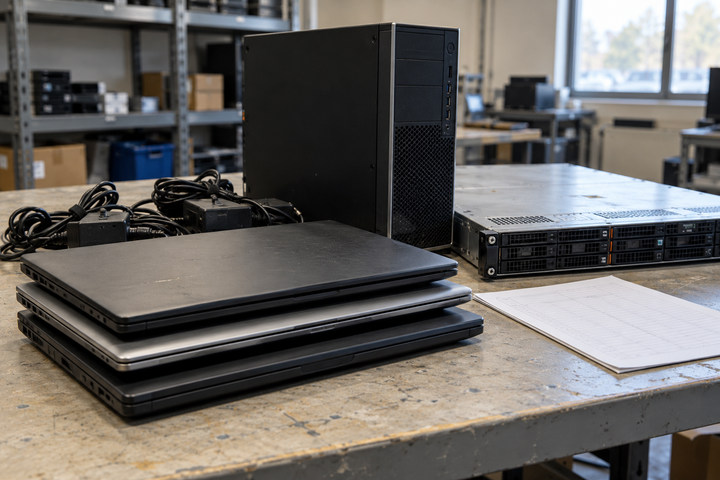
This guidance is for hospitals' administrative IT, medical groups, clinics, dental offices, outpatient organizations, laboratories' business IT, rehabilitation and senior-care offices. The equipment scope covers ordinary business computers, laptops, servers, storage, monitors and networking. It does not describe a medical-device disposal service.
Before requesting collection, have the appropriate internal contact distinguish business IT from specialist clinical equipment and any items requiring a different provider. Review equipment TBR can assess and discuss unusual devices before including them in a release.
Prepare each office separately
Create an initial list with equipment types, approximate counts, locations and available models. Identify the contact who approves release at each office. Keep active equipment, leased assets and devices awaiting an internal decision outside the collection area. Confirm backups and any operational dependencies through your own IT process.
For a multi-office refresh, label the location rather than relying on a combined count. Describe access restrictions, stairs or loading arrangements and the collection windows your team can support. Agree packing and handoff responsibilities before a date is confirmed. There is no minimum equipment quantity to begin the assessment conversation.
Define the data instructions before release
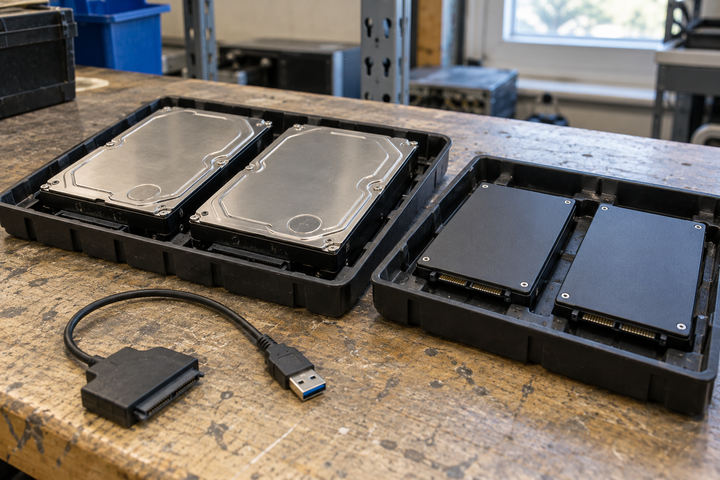
Your authorized IT or security team should identify data-bearing devices and approve the required processing outcome. Flag installed drives, loose drives, failed equipment and networking devices that may retain configurations. Do not place patient information, passwords or other sensitive business data in an initial quote request or a public packing list.
The choice of processing route depends on the media, condition and approved requirements. Review TBR's data-handling service scope and ask who performs each part of the work, how unsuccessful processing is handled and what evidence will be supplied. Physical destruction and logical processing should be discussed in relation to the agreed project requirements.
Keep records connected to the equipment
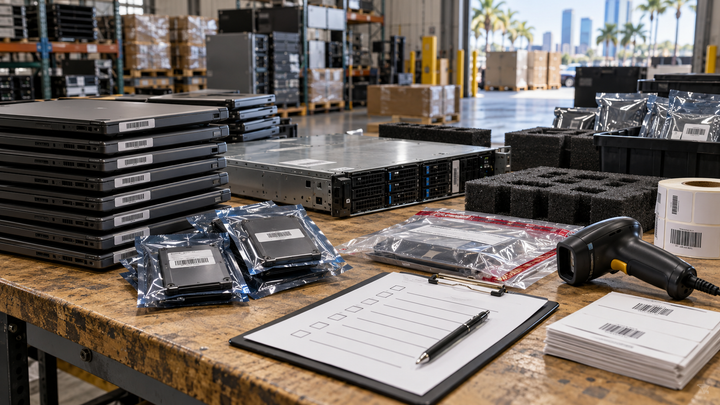
- Document the approved release list and office of origin.
- Record the collection handoff and any approved additions.
- Compare the received inventory with the release record.
- Resolve missing, unexpected or differently identified items.
- Review processing results, exceptions and final disposition or recovery information.
The required level of identification should be agreed explicitly. TBR's illustrative reporting examples can help your team discuss the records it needs; those examples are not proof of a completed healthcare project.
Common planning questions
What if a retired computer cannot turn on?
Flag it on the list. Its condition may affect the available data-handling and recovery routes, so agree the exception process rather than assuming the normal route will work.
Can suitable office hardware be assessed for reuse?
Ask for an assessment after ownership, data requirements and release restrictions are clear. Condition, configuration, demand and processing costs affect the opportunity.
Source note
NIST SP 800-88 Revision 2 provides media-sanitization guidance. Your organization remains responsible for approving its project requirements and evaluating the proposed evidence.
How TBR Trade Group can help
Send the business IT equipment types, approximate counts, office locations, timing, known failures and required records. TBR can discuss collection, data responsibilities and recovery options before equipment is released. Request an ITAD assessment so the equipment scope, responsible providers and commercial terms can be confirmed.