
Secure E-Waste Disposal Checklist for Businesses

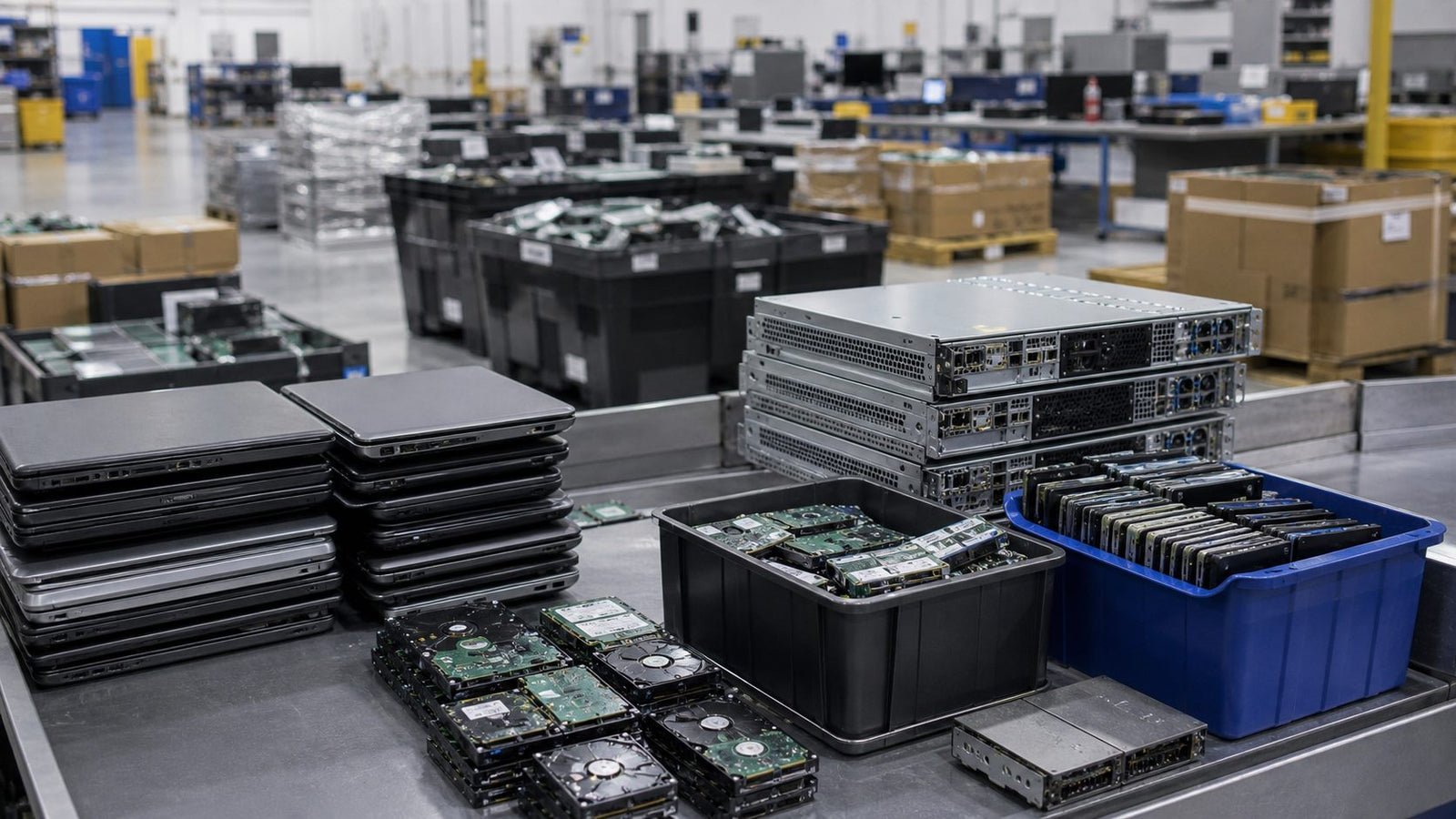
Retired business electronics prepared for secure handling and recycling

Business e-waste is not just waste. Some equipment still has usable value, some contains storage media, and some needs responsible recycling. A simple sorting process reduces risk and improves recovery options.

Checklist

  • Separate storage-bearing devices from non-storage equipment.
  • Document quantities, models, and visible condition.
  • Identify items suitable for reuse or refurbishment.
  • Route failed or obsolete hardware to responsible recycling.
  • Plan chain-of-custody expectations before pickup or shipment.

Procurement Notes

Retired hardware should be sorted before it leaves the business. Working systems, failed systems, storage-bearing devices, batteries, accessories, and loose components may each require a different path. A reuse-first approach can recover value while keeping unusable equipment moving toward responsible recycling.

Data-bearing devices deserve special handling. Even if a system is destined for recycling, storage drives should be identified and routed according to the organization's data policy. That may include sanitization, physical destruction, documentation, or separation from non-storage hardware.

Common Mistakes to Avoid

  • Mixing storage devices into general electronics bins.
  • Recycling working hardware before checking reuse or resale value.
  • Failing to document model counts and condition before pickup.
  • Assuming every recycler handles data security the same way.

For help with retired equipment, see our secure e-waste disposal page.

June 12, 2026

Secure E-Waste Disposal Checklist for Businesses

A business checklist for handling retired laptops, desktops, servers, storage drives, reuse, recycling, and secure e-waste disposal.
Retired business electronics prepared for secure handling and recycling

Business e-waste is not just waste. Some equipment still has usable value, some contains storage media, and some needs responsible recycling. A simple sorting process reduces risk and improves recovery options.

Checklist

  • Separate storage-bearing devices from non-storage equipment.
  • Document quantities, models, and visible condition.
  • Identify items suitable for reuse or refurbishment.
  • Route failed or obsolete hardware to responsible recycling.
  • Plan chain-of-custody expectations before pickup or shipment.

Procurement Notes

Retired hardware should be sorted before it leaves the business. Working systems, failed systems, storage-bearing devices, batteries, accessories, and loose components may each require a different path. A reuse-first approach can recover value while keeping unusable equipment moving toward responsible recycling.

Data-bearing devices deserve special handling. Even if a system is destined for recycling, storage drives should be identified and routed according to the organization's data policy. That may include sanitization, physical destruction, documentation, or separation from non-storage hardware.

Common Mistakes to Avoid

  • Mixing storage devices into general electronics bins.
  • Recycling working hardware before checking reuse or resale value.
  • Failing to document model counts and condition before pickup.
  • Assuming every recycler handles data security the same way.

For help with retired equipment, see our secure e-waste disposal page.

Need Hardware?

Send us your model targets and quantity

Our team responds within one business day.