
Healthcare IT Hardware Sourcing for Imaging and Clinical Teams

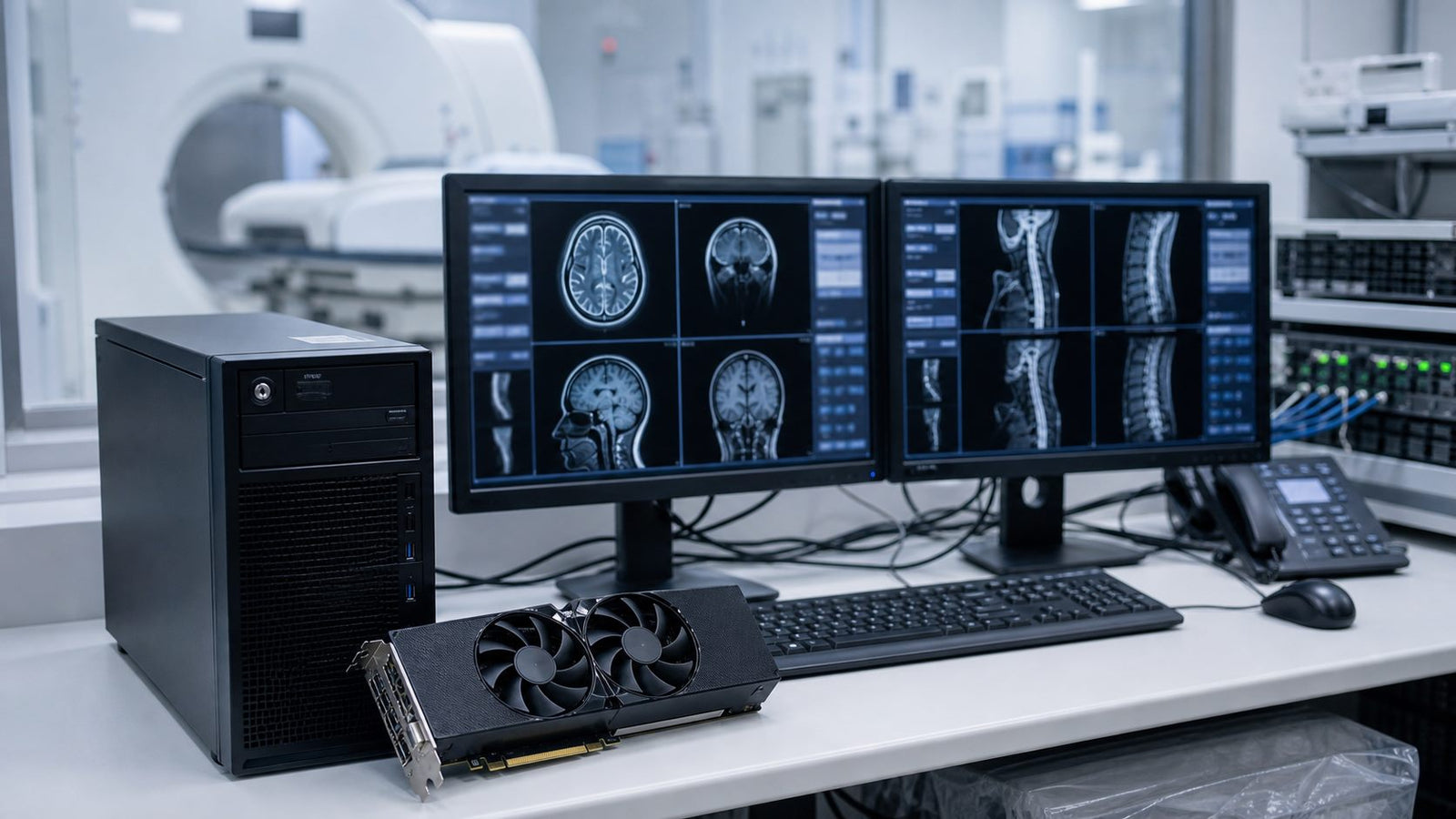
Healthcare workstation hardware for imaging and clinical IT teams

Medical imaging and clinical IT environments often rely on specialized workstations, GPUs, storage, and server components. Replacement purchases should be planned around exact compatibility and practical support needs.

What to Clarify Before Buying

  • Current workstation or server model.
  • Application requirements and driver constraints.
  • GPU memory, display output, storage, and RAM requirements.
  • Deployment timing and replacement risk.

For sourcing support, visit our medical and healthcare IT hardware page.

Procurement Notes

Healthcare IT teams should confirm application compatibility before purchasing replacement hardware. Imaging, diagnostics, and lab systems may depend on specific driver versions, display outputs, GPU memory, storage performance, or workstation platform requirements.

For replacement parts, document the existing workstation or server model, installed components, operating environment, and deployment urgency. That information helps avoid sourcing a technically powerful component that still does not fit the clinical workflow.

Common Mistakes to Avoid

  • Replacing a GPU without checking display and driver requirements.
  • Ignoring storage speed for imaging-heavy workflows.
  • Buying parts that fit physically but are unsupported by the application stack.
  • Leaving no spare inventory for critical workstations.
June 18, 2026

Healthcare IT Hardware Sourcing for Imaging and Clinical Teams

How healthcare IT buyers can plan sourcing for medical workstations, imaging GPUs, servers, storage, and replacement components.
Healthcare workstation hardware for imaging and clinical IT teams

Medical imaging and clinical IT environments often rely on specialized workstations, GPUs, storage, and server components. Replacement purchases should be planned around exact compatibility and practical support needs.

What to Clarify Before Buying

  • Current workstation or server model.
  • Application requirements and driver constraints.
  • GPU memory, display output, storage, and RAM requirements.
  • Deployment timing and replacement risk.

For sourcing support, visit our medical and healthcare IT hardware page.

Procurement Notes

Healthcare IT teams should confirm application compatibility before purchasing replacement hardware. Imaging, diagnostics, and lab systems may depend on specific driver versions, display outputs, GPU memory, storage performance, or workstation platform requirements.

For replacement parts, document the existing workstation or server model, installed components, operating environment, and deployment urgency. That information helps avoid sourcing a technically powerful component that still does not fit the clinical workflow.

Common Mistakes to Avoid

  • Replacing a GPU without checking display and driver requirements.
  • Ignoring storage speed for imaging-heavy workflows.
  • Buying parts that fit physically but are unsupported by the application stack.
  • Leaving no spare inventory for critical workstations.
Need Hardware?

Send us your model targets and quantity

Our team responds within one business day.