

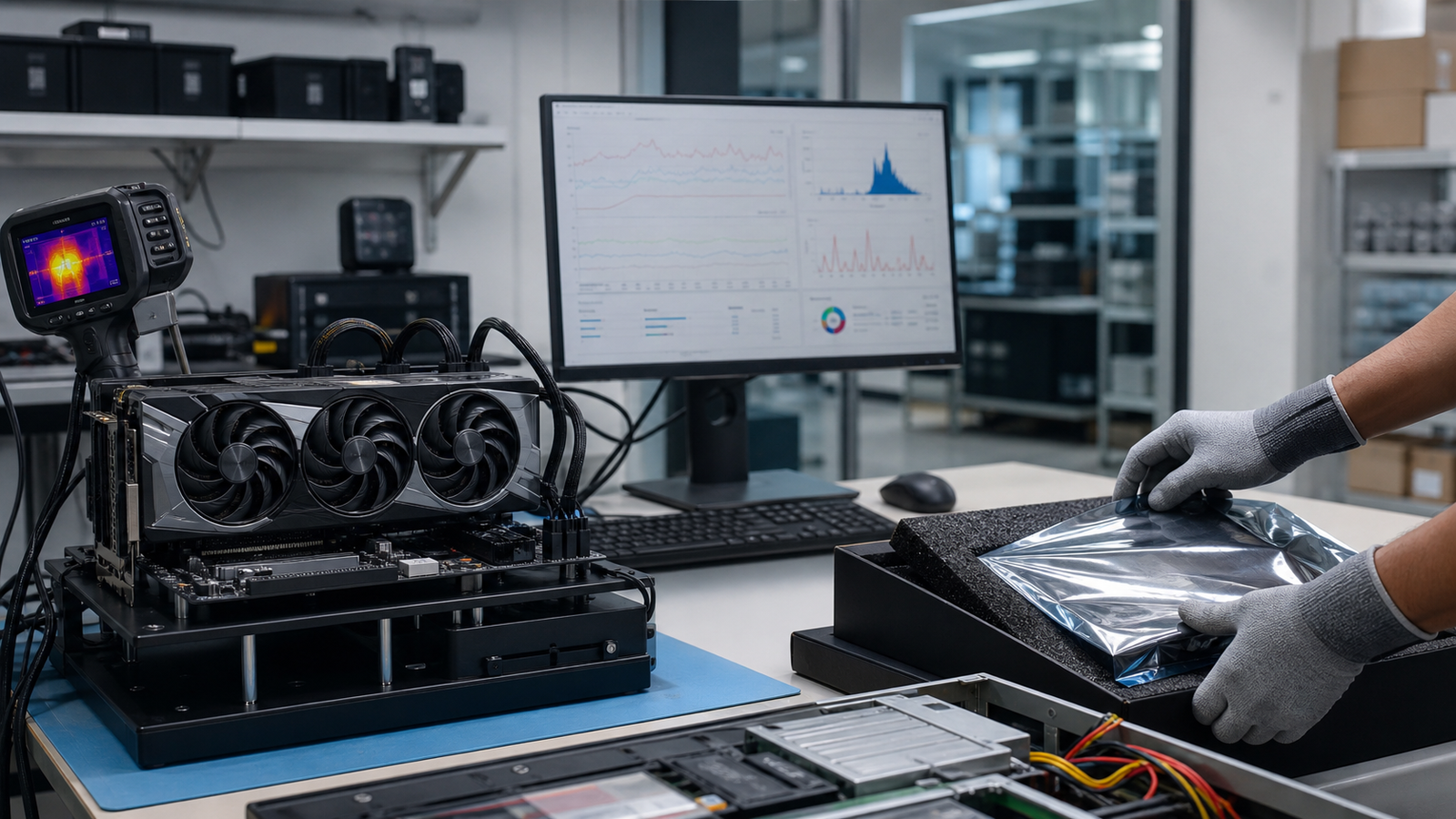
A useful GPU test record identifies the hardware, test environment, checks performed and results. Testing should match the GPU and intended workload. A display card, a passively cooled accelerator and a complete AI server need different setups.
Identify the card and its condition
Record the manufacturer, model, part number, serial number and memory capacity. Inspect connectors, cooling hardware and visible physical damage. Note missing accessories, known repairs and any condition that affects safe installation or resale.
Visual inspection alone cannot establish the condition of every internal component. Repairs, thermal-material replacement and deeper electrical checks should be based on the equipment and the agreed work.
Confirm the test platform
Use a compatible host, power supply, cooling arrangement, firmware and driver. Passive data-center accelerators need suitable system airflow. Record the environment so results can be interpreted rather than compared as isolated benchmark numbers.
Choose relevant functional checks
- Confirm device detection and reported configuration.
- Check relevant display or compute functions for the model.
- Review available memory, temperature, power and error information.
- Use a workload appropriate to the card and intended application.
- Record test duration, tools, results and unresolved exceptions.
Temperature limits, error counters and performance expectations vary by model and environment. There is no single temperature or benchmark score that proves every GPU is suitable for service. A passed test records an observed result; it does not guarantee future reliability.
Ask what comes with the order
Confirm whether testing covers every unit or a stated sample, what records are available, and which faults or exclusions apply. Agree condition, included accessories, warranty and return terms in the written quote.
TBR reviews testing and documentation requirements with the equipment request. Discuss any required burn-in duration, workload, individual reports or acceptance criteria before placing an order.
Connect testing to IT asset recovery
Hardware evaluation supports resale decisions, but it does not replace media sanitization. Storage and other data-bearing components in a retired system need separate handling instructions and records.
See GPU and AI hardware recovery, condition grading and data sanitization for the wider process.