

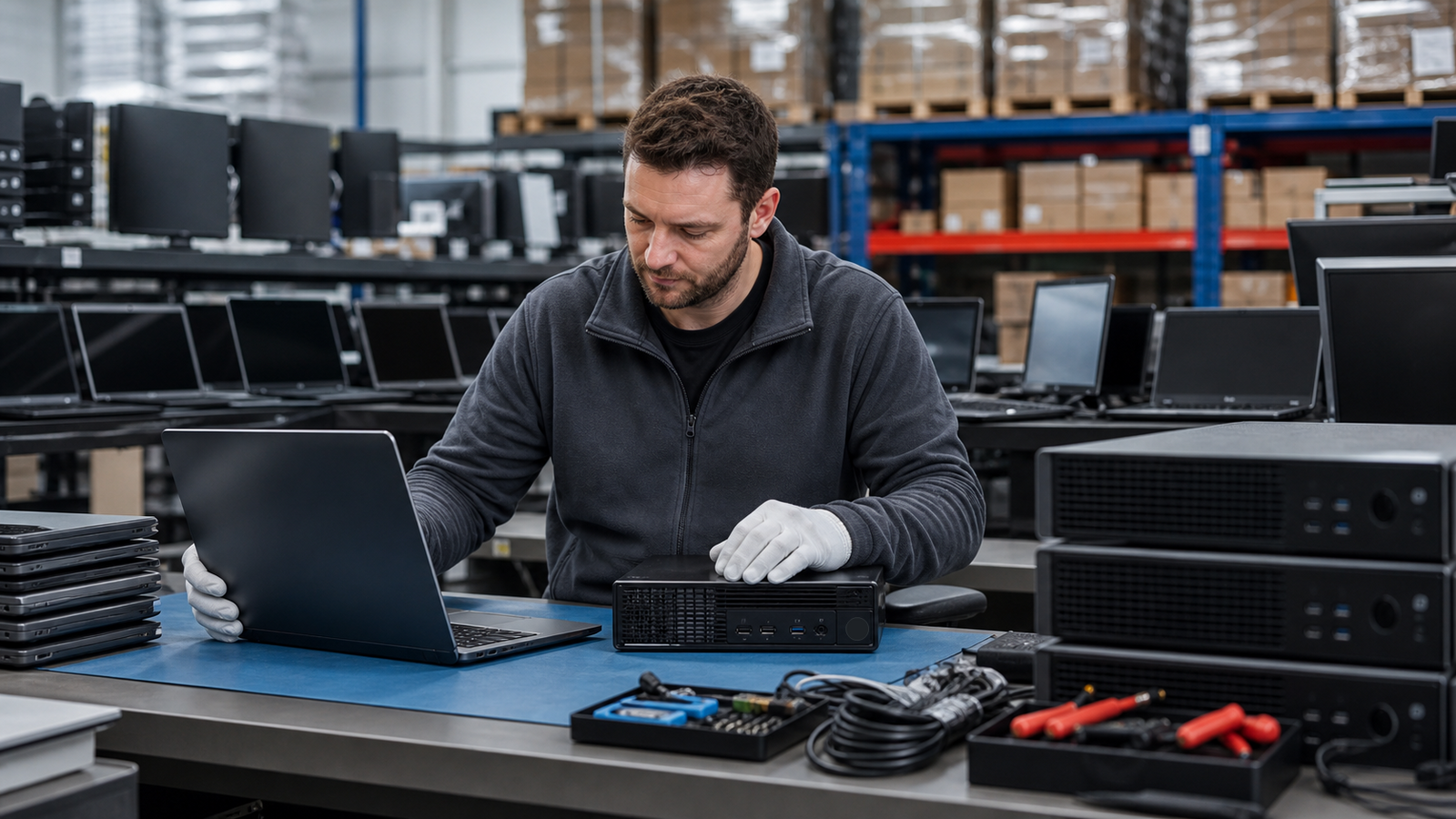
Buying refurbished business computers is not the same as buying random used equipment. A good purchase starts with the work the device needs to do, the support window the business expects, and the proof a supplier can provide before the order ships. That matters whether you are outfitting a small office, building a repair pool, supporting temporary staff, refreshing a training room, or stocking resale inventory.
The opportunity is real. Tested pre-owned desktops, laptops, monitors, docking hardware, memory, SSDs, and other office electronics can reduce upfront cost while keeping useful hardware in circulation. The risk is also real: unsupported operating systems, weak batteries, unclear storage history, missing power adapters, mixed specifications, or poor packaging can turn a low unit price into a slow receiving problem. TBR Trade Group supports broader used enterprise hardware sourcing, and refurbished business computer orders deserve the same discipline as servers, GPUs, and bulk computer parts.
Start With the Job, Not the Price
The first question should not be "What is the cheapest laptop?" It should be "What job does this hardware need to perform for the next owner?" Office productivity, browser-based work, point-of-sale use, warehouse stations, engineering support, call centers, classroom labs, and repair inventory all have different expectations for CPU generation, memory, storage, display quality, wireless performance, ports, and warranty tolerance.
For larger orders, ask the supplier to separate devices by use case rather than selling one mixed lot. A front-desk workstation may need dual monitor support and quiet operation. A warehouse station may need dependable ports and easy replacement. A laptop fleet may need battery reports, webcams, microphones, chargers, and keyboard condition documented. That planning is similar to the approach behind TBR's corporate hardware upgrade planning: match the component to the business outcome before quoting.
- List the target applications, operating system, user type, and expected service life.
- Separate desktops, laptops, monitors, docking stations, adapters, and accessories in the request.
- Define minimum acceptable RAM, storage type, processor class, screen size, ports, and wireless needs.
- Ask whether the quote is for identical units, equivalent substitutions, or a mixed-condition lot.
Check Windows 11 Readiness After Windows 10 End of Support
Operating system support should be part of every 2026 refurbished computer conversation. Microsoft states that Windows 10 reached end of support on October 14, 2025. The devices still function, but Microsoft no longer provides Windows 10 technical assistance, feature updates, or security updates. That does not automatically make every Windows 10-era device unusable, but it does raise the bar for buyers who need supported business endpoints.
When Windows is required, confirm whether the device can run Windows 11 before purchasing. Microsoft's published Windows 11 minimum requirements include a compatible 64-bit processor with 2 or more cores at 1 GHz or faster, 4 GB RAM, 64 GB storage, UEFI Secure Boot capability, TPM 2.0, DirectX 12 compatible graphics with WDDM 2.0, and a qualifying display. Those are minimums, not comfort specs. Many business buyers should target more RAM, larger SSDs, and newer processor generations for smoother daily use.
Buyers should also separate Windows 11 compatibility from licensing, imaging, and management. A device may be capable of running the operating system but still need clean installation, driver checks, asset tagging, endpoint management enrollment, or company-specific security settings after receipt.
Inspect the Hardware Like a Receiving Team
Cosmetic grades are useful, but they do not replace a functional receiving checklist. Refurbished business computers should be reviewed for ports, hinges, screens, keyboards, touchpads, fans, power adapters, batteries, cameras, speakers, network adapters, storage, memory, BIOS locks, and missing covers or screws. Desktop orders should also confirm power supplies, drive caddies, Wi-Fi cards where needed, display outputs, and mounting requirements.
For buyers comparing multiple lots, TBR's hardware condition guide gives a practical starting vocabulary for cosmetic and functional condition. The best suppliers make it easy to understand what grade means in practice: what was tested, what was cleaned, what was replaced, and what known limitations remain.
- For laptops, ask for battery health or battery grade, charger inclusion, keyboard condition, and display defects.
- For desktops, confirm memory configuration, SSD/HDD type, display outputs, power cable inclusion, and any Wi-Fi or Bluetooth requirement.
- For monitors, check resolution, panel size, stand inclusion, input type, screen defects, and power requirements.
- For accessories, confirm adapters, docks, cables, and chargers are compatible with the specific devices quoted.
Do Not Treat Formatting as Data Sanitization
Storage history is one of the most important differences between a useful refurbished computer and a risky one. Formatting a drive or reinstalling an operating system should not be treated as a complete data sanitization process for business equipment. If the prior owner used the device for customer records, employee files, healthcare, finance, education, or government work, storage handling needs documented care.
NIST SP 800-88 Rev. 2, published in September 2025, defines media sanitization as a process that renders access to target data infeasible for a given level of effort. For refurbished business computers, buyers should ask whether storage was wiped, securely erased, replaced, removed, or otherwise handled under a documented process. If storage has been replaced, ask whether the installed drive is new, used, tested, or supplied as-is.
This matters for both buying and selling. If your company is retiring laptops, desktops, storage media, or mixed office electronics, TBR's IT asset recovery process can help separate equipment with resale value from devices that need a secure recycling path.
Ask What Testing Actually Covers
"Tested" should be specific. A refurbished business computer should be powered on, inspected, and checked against the work it is expected to do. For some orders, that may mean confirming CPU, RAM, storage, display, webcam, microphone, keyboard, wireless, USB ports, video outputs, charger, and battery. For others, it may include stress testing, memory checks, storage health review, clean imaging, BIOS review, and serial tracking.
A useful supplier can tell you how exceptions are handled. Are units with weak batteries separated? Are cracked bezels excluded? Are missing rubber feet or cosmetic scratches acceptable? Are substitutions allowed? How are post-delivery failures handled? TBR's warranty, testing, and returns page is a helpful reference for setting expectations before a bulk order ships.
- Ask for pass/fail criteria by device type, not one generic "tested" label.
- Confirm whether serials, model numbers, and service tags are tracked on the packing list.
- Ask whether storage health and memory checks are available for higher-risk deployments.
- Clarify the return window, replacement process, and photo evidence needed for receiving issues.
Plan Packaging Before the Order Leaves
Refurbished business computers are often shipped in mixed quantities: laptops in sleeves, desktops in cartons, monitors with stands, cables in separate bags, and pallets moving through multiple handling points. Packaging should protect screens, corners, ports, power adapters, and asset labels. It should also make receiving simple for the buyer.
For office electronics, organization is part of quality. Devices should be grouped by model, grade, accessory set, and destination where practical. Cartons should be labeled clearly. If the order includes sensitive components, storage media, or boards, use the same care described in TBR's ESD-safe component packaging checklist. If it crosses borders, confirm shipment details against the international computer parts shipping checklist.
Think About Reuse, Not Just Disposal
Refurbished business computers also fit a practical sustainability plan. EPA guidance says electronics donation and recycling conserve resources and natural materials, and it advises users to consider upgrading hardware or software before buying a brand-new product. For businesses, that idea translates into a lifecycle decision: upgrade what still has useful life, resell what can be responsibly reused, and recycle what cannot be safely redeployed.
Not every device belongs back in service. Computers with unsupported operating systems, poor batteries, damaged screens, failed storage, missing security controls, or unclear data history may need repair, parts harvesting, or secure recycling. TBR's secure e-waste disposal path gives buyers and sellers another option when reuse is not the right outcome.
Refurbished Business Computer Buying Checklist
Before approving a refurbished business computer order, confirm these details with the supplier:
- Target users, applications, operating system needs, and expected service life are clear.
- Windows 11 compatibility is confirmed where supported Windows endpoints are required.
- CPU class, RAM, storage type, screen size, ports, wireless, and accessory inclusion are documented.
- Laptop batteries, chargers, keyboards, webcams, displays, and hinges are inspected or graded.
- Storage sanitization or replacement status is documented and not confused with formatting.
- Testing criteria, condition grade, substitutions, serial tracking, and warranty expectations are defined.
- Packaging protects screens, corners, adapters, labels, and lot organization during transit.
- Devices unsuitable for reuse have a repair, parts, or secure recycling path.
If you are planning a business computer refresh, repair pool, resale order, or mixed electronics purchase, include model targets, quantity, condition expectations, operating system needs, accessories, and destination when you request a quote from TBR Trade Group.
FAQ
Are refurbished business computers reliable enough for daily office use?
They can be, especially for standardized office, browser, point-of-sale, training, and administrative workloads. Reliability depends on model selection, testing depth, storage condition, battery expectations for laptops, packaging, and the supplier's support process.
Should buyers avoid all Windows 10-era computers?
No. Many Windows 10-era devices may still be useful in labs, parts pools, non-Windows roles, controlled internal use, or hardware resale. For supported Windows endpoints, buyers should verify Windows 11 compatibility and their own security requirements before purchasing.
What is the biggest mistake when buying refurbished office computers?
The most common mistake is buying only by unit price. A slightly cheaper lot can become expensive if it arrives with mixed specifications, weak batteries, unsupported operating systems, missing chargers, unclear storage history, or no practical returns process.
Can TBR Trade Group source both computers and components?
Yes. TBR Trade Group works with tested business electronics, used enterprise hardware, GPUs, storage, memory, desktops, workstations, server parts, and related components. For larger orders, sharing model numbers and intended use helps narrow the quote quickly.
Source Notes
- Microsoft Support, Windows 10 support has ended on October 14, 2025: Microsoft states that Windows 10 reached end of support on October 14, 2025 and no longer receives technical assistance, feature updates, or security updates.
- Microsoft, Windows 11 specifications and system requirements: Microsoft lists minimum Windows 11 requirements including a compatible 64-bit processor, 4 GB RAM, 64 GB storage, UEFI Secure Boot capability, TPM 2.0, DirectX 12 compatible graphics, and display requirements.
- NIST SP 800-88 Rev. 2, Guidelines for Media Sanitization: Published September 2025; defines media sanitization as rendering access to target data infeasible for a given level of effort.
- U.S. EPA, Electronics Donation and Recycling: EPA notes that donation and recycling conserve resources, recommends considering hardware or software upgrades before buying new, and advises deleting personal information before donating or recycling electronics.