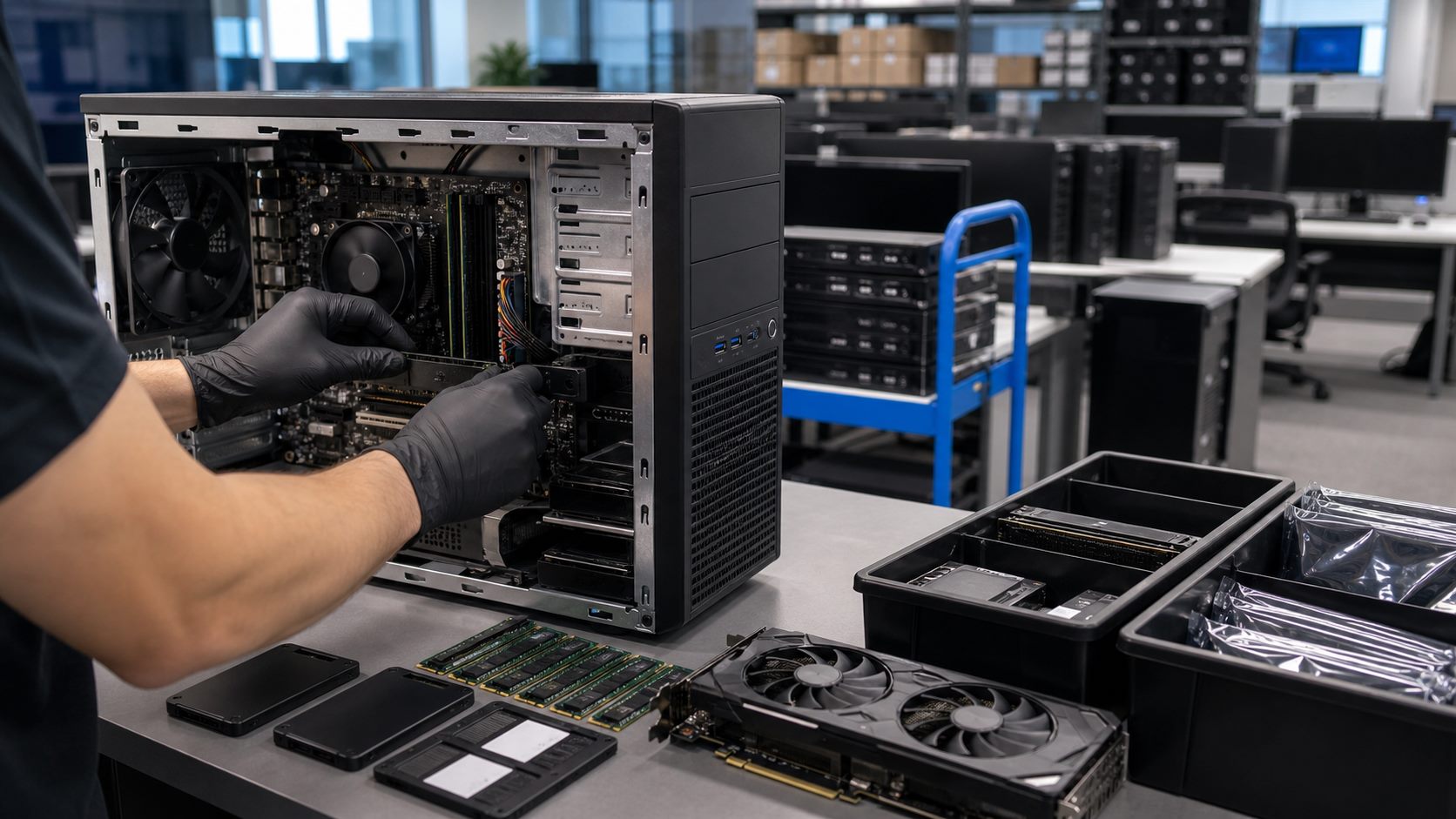
Full fleet replacement is not always necessary. Many business systems can gain useful life through GPU, memory, storage, or CPU upgrades, especially when the workload is predictable.
Good Upgrade Candidates
- Workstations with enough platform life remaining.
- Desktops limited by storage or memory rather than total system age.
- Department-specific performance needs.
- Replacement stock for high-failure components.
Procurement Notes
Corporate upgrades work best when IT teams segment machines by role. Finance, design, engineering, sales, operations, and executive users may need different upgrade paths. A blanket purchase can waste budget if some systems only need SSDs while others need GPU, memory, or full replacement.
Before requesting parts, capture current system models, operating constraints, warranty considerations, target performance issues, and whether the upgrade will be performed internally or by a service partner. That makes it easier to quote compatible, repeatable components.
Common Mistakes to Avoid
- Upgrading old systems that should be replaced instead.
- Buying parts without confirming chassis size and power limits.
- Mixing too many storage or RAM configurations across a fleet.
- Skipping a pilot upgrade before ordering for every department.
For help sourcing parts, see our corporate hardware upgrades page.